CryptPad 2026.5.0: zh_Hant Lands as a Built-in Locale After Two and a Half Years Upstream
For people who want a collaboration tool that does not silently keep a readable copy of their work on the server, the practical options are short. Google Docs, Notion, Microsoft 365 are excellent products, but every paragraph and every revision sits on those vendors’ servers in a form they can read. From there, algorithms, ads, training corpora, and government data requests each have their own path in.
That difference is exactly what matters when a journalist drafts a story that cannot leak, when a campaigner negotiates a strategy that cannot be wiretapped, when an NGO records distress reports from vulnerable users, or when a researcher works on a politically sensitive topic. Whether a first draft can be safely written at all often turns on that one architectural choice.
CryptPad is one of the few collaboration suites where the server genuinely cannot read what you wrote. Content is encrypted in your browser, the server only ever sees ciphertext, and yet a single interface covers most of what people normally reach for in Google Docs, Sheets, Slides, kanban boards, whiteboards, forms, and calendars.
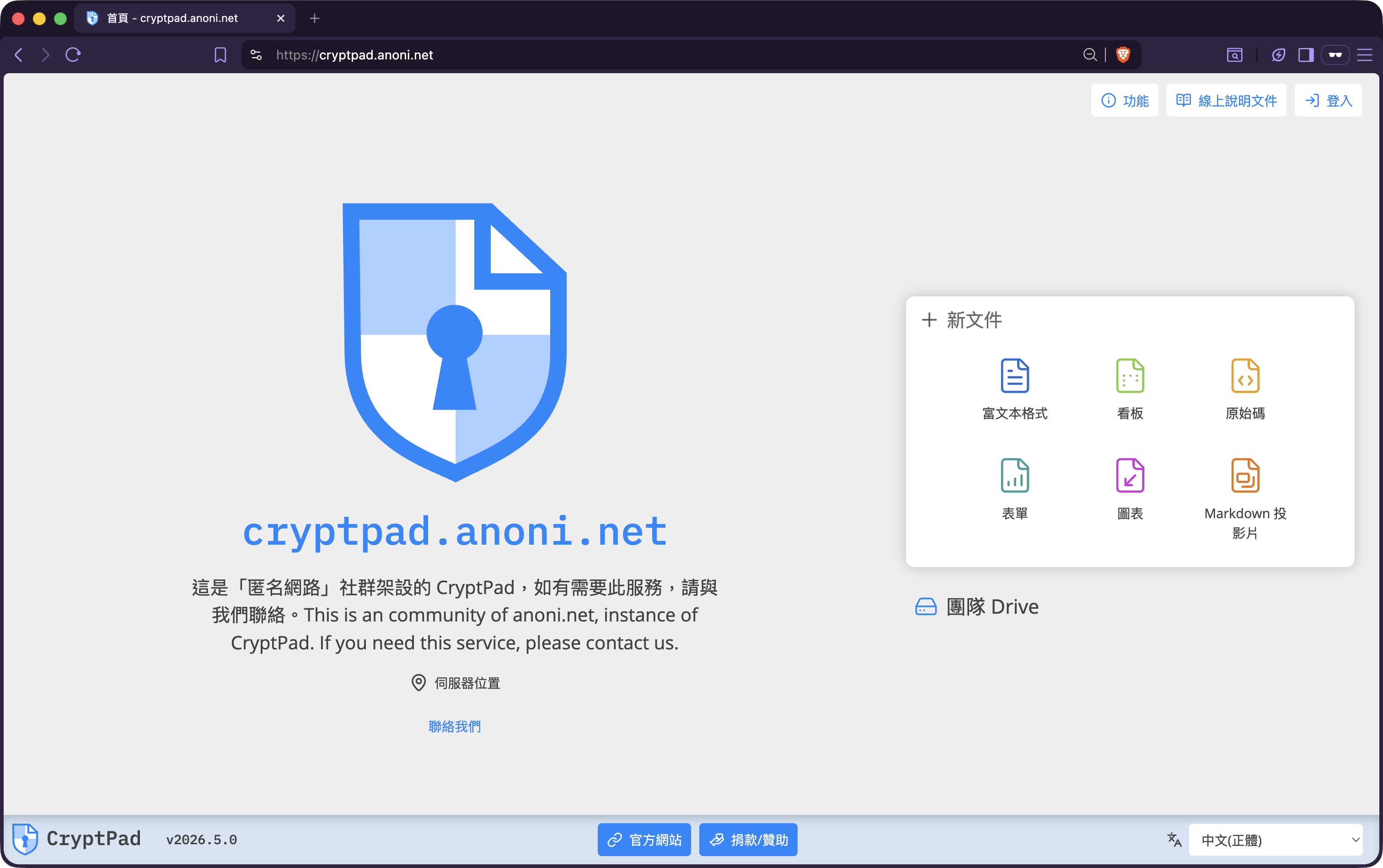
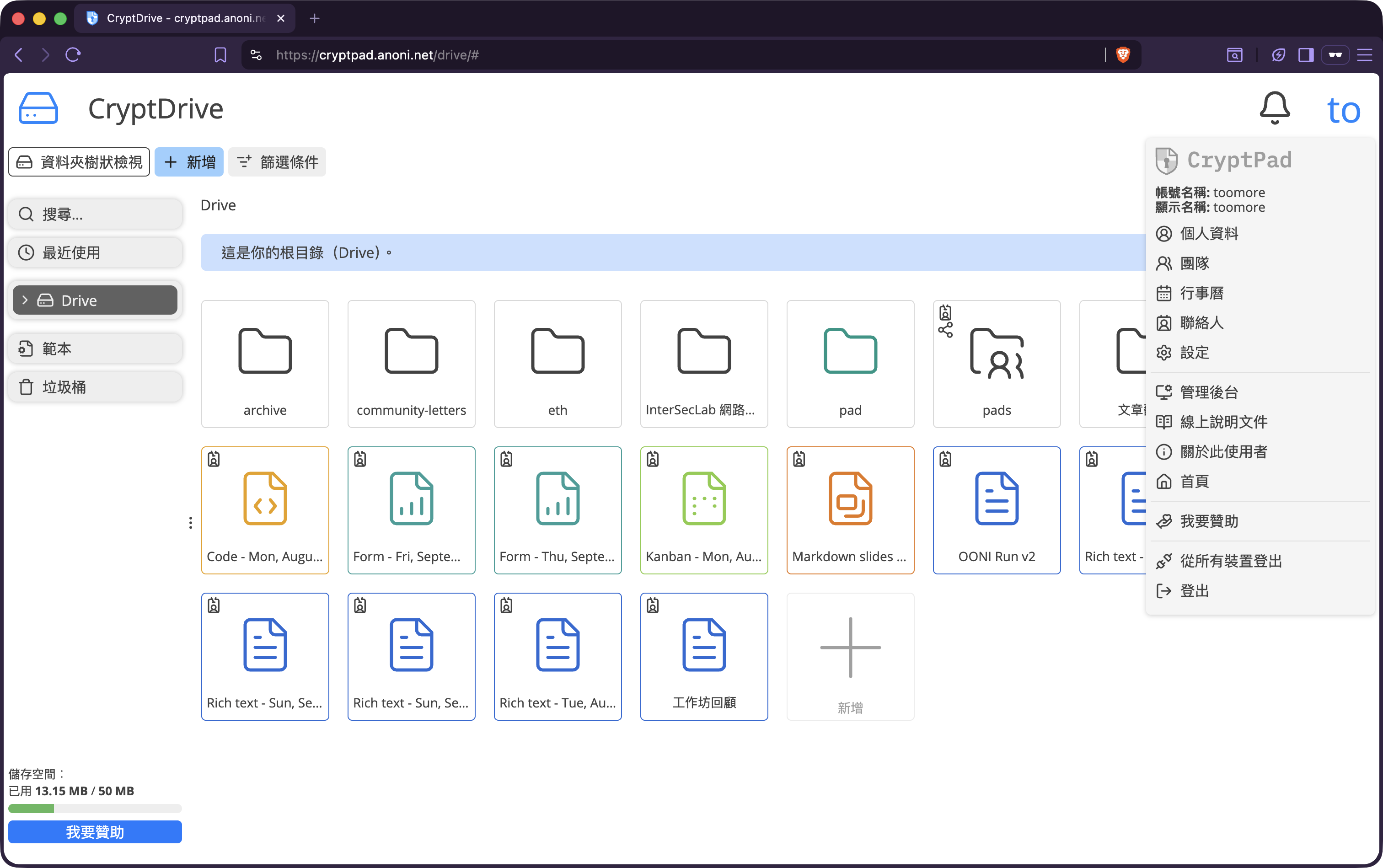
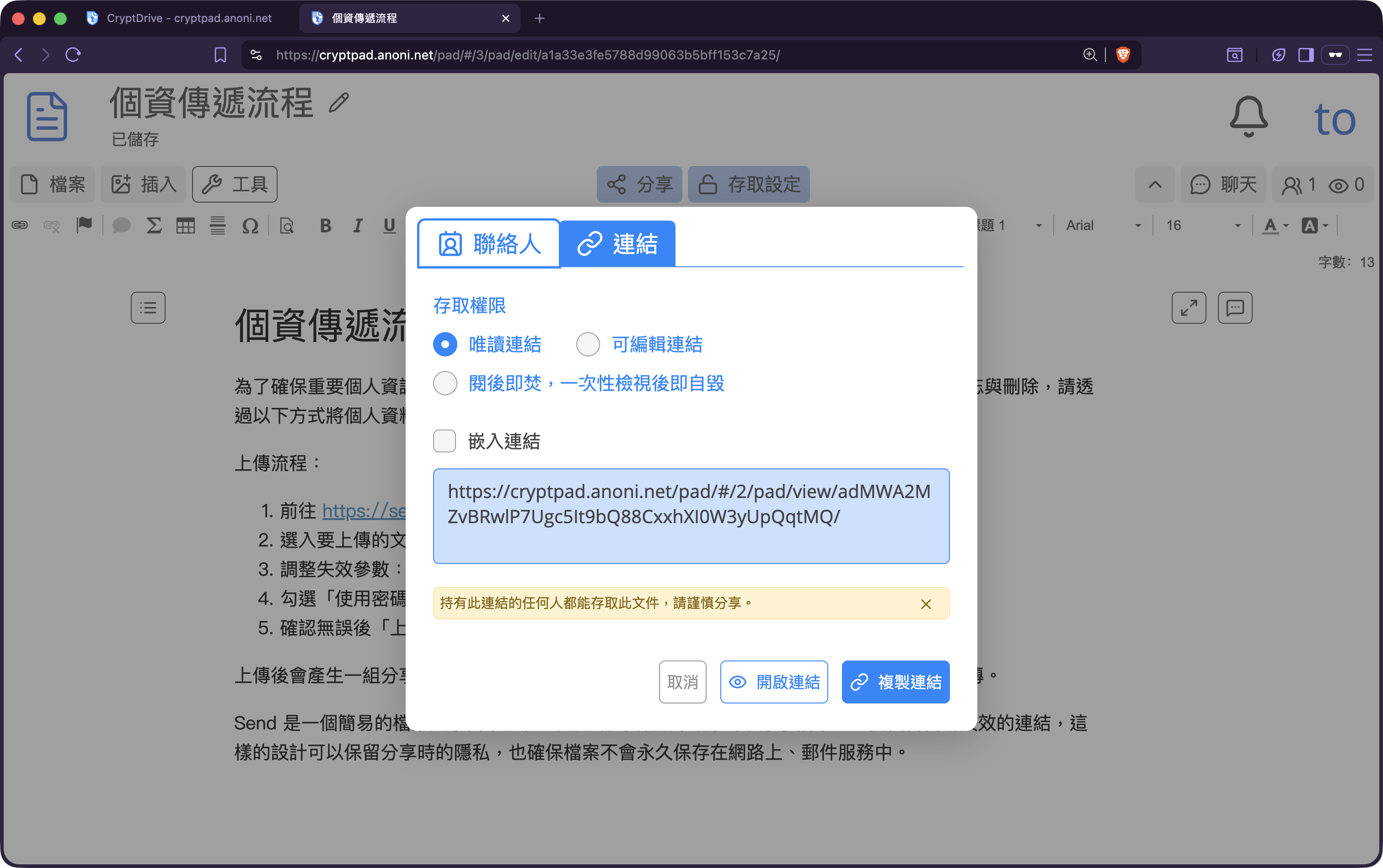
Until recently the suite had one obvious gap for one large group of users: the UI shipped in English and Simplified Chinese only, with Traditional Chinese (zh_Hant) missing. From the first upstream PR opened at the end of 2023, through two and a half years of patient string-by-string work in Weblate, to the CryptPad 2026.5.0 “🌷 Spring release” on 2026/05/13, zh_Hant is now a built-in locale. The community-hosted cryptpad.anoni.net has been upgraded. Open cryptpad.anoni.net today and the Drive, the document editors, and the share-permission dialog are all in Traditional Chinese. Readers in Taiwan, Hong Kong, Macau, and across the Chinese-reading diaspora can use it without first learning an English menu.
What CryptPad is
CryptPad is developed by XWiki SAS in France under the AGPLv3 licence and is best described as an end-to-end encrypted (E2EE) online office and collaboration suite. One account gets you:
- Rich Text: a Google-Docs-style WYSIWYG editor
- Document: advanced word processing via OnlyOffice (.docx compatible)
- Sheets: spreadsheets via OnlyOffice (.xlsx compatible)
- Presentation: slides, with both Markdown Slides and OnlyOffice modes
- Kanban: project boards
- Whiteboard: free-form whiteboarding
- Diagram: diagramming via Drawio (upgraded to Drawio 29.6.7 in 2026.5.0)
- Forms: surveys and structured data collection
- Calendar: shared calendars
- Code/Markdown: code and Markdown editors
- Drive: cloud storage that ties all of the above together
The core property is that all content is encrypted in your browser before it ever reaches the server. The server stores ciphertext; neither CryptPad’s operators nor the anoni.net maintainers hold the keys. This is what is meant by zero-knowledge: even if we wanted to read your pads, we couldn’t.
Why the community self-hosts CryptPad
We self-host more than CryptPad. There is also Etherpad for quick shared notes and Matrix for live discussion (the Community page covers how the three fit together). CryptPad is what we reach for whenever a document needs long-term storage, end-to-end encryption, and full multi-user collaboration in the same place. Spending two and a half years on the Traditional Chinese translation made sense for several reasons.
E2EE and zero-knowledge by design: Community discussions routinely touch threat models, whistleblower-protection notes, and the back-and-forth of pushing Tor relays onto university campuses. Putting those in Google Docs or Notion is functionally identical to handing every unpublished strategy to a third-party platform and its advertising partners. CryptPad removes “the operator can read your content” at the architectural level — a guarantee that is far stronger than an SLA promise.
Feature-complete enough to replace mainstream cloud suites: Etherpad is fine for quick notes but does not cover sheets, slides, or kanban. CryptPad covers most of what people use Google Workspace for, and every pad inherits the same encryption and permission model. There is no need to keep switching tools because “this one needs to stay private and that one doesn’t”.
AGPLv3 licence, public cryptographic protocol: Any derived service has to remain open, so when we self-host we can audit the code top to bottom. The cryptographic protocol and data structures are also public — like Tor, Tails, and OONI, this is privacy that is verifiable rather than asserted.
Governance stays with maintainers and the community: The same reasoning we wrote up in why we self-host Matrix applies here. Retention policy, registration policy, channel rules are decisions we make ourselves; they are predictable, accountable, and can move with the community’s needs.
Real European public-sector and civil-society deployments: CryptPad is in use across multiple European government projects, NGOs, and research groups. Compliance, reliability, and long-term maintenance all have a track record. When we recommend it to more Chinese-reading users, we are not pointing them at a demo-grade toy.
Two and a half years of upstream work, mapped to a timeline
The CryptPad main application, the Accounts plugin, and the User Guide together contain over a thousand strings. Each one has to match the UI context where it appears, stay consistent across contexts (so that Save and Save As don’t drift into different verbs), and survive the constant trickle of new strings from active development. Every release means another pass over what changed.
2023/12/05: PR #1329 opened upstream. It corrected the language-menu labels — changing the zh-Hans entry to “中文(簡體)” and zh-Hant to “中文(正體)” — and used the description to ask CryptPad maintainers what process to follow to add a real zh_Hant translation, since at that point only zh_Hans had any content and zh_Hant was empty.
2024–2025: The CryptPad team opened zh_Hant translation spaces on Weblate across multiple sub-projects: the main App, the Accounts plugin, and the User Guide sections (Drive, FAQ, Application Document, Application General, Application Presentation, Share and Access, Collaboration, and more).
2026/03/13: All of the above reached translation completion. The community filed Issue #2237 upstream to report the milestone and to ask CryptPad maintainers to enable zh_Hant as a built-in selectable locale in the next release.
2026/05/13: CryptPad 2026.5.0 “🌷 Spring release” shipped. The Improvements section of the release notes lists:
Enable zh-Hant/zh-Hans locales (#2237) and add alias system for locales #2254 by the anoni.net community
That single PR not only turned on zh_Hant and zh_Hans as official locales, but also added a locale-alias mechanism so that accounts still configured with zh_CN or zh_TW (the older codes) automatically fall back to the new zh_Hans and zh_Hant, instead of getting pushed back to English after the upgrade. Existing Simplified Chinese users see their UI carry on as Chinese without having to reset anything.
A note on 正體 vs 繁體 — naming the script
CryptPad’s language menu originally read “中文(繁體)” for the zh_Hant entry — fántǐ, literally “complex form”. PR #1329 changed it to “中文(正體)” — zhèngtǐ, roughly “proper” or “standard” form. The community prefers 正體 because 繁 (complex) implies “more complex than Simplified”, whereas the script as used in Taiwan, Hong Kong, and Macau is simply the historically continuous form of written Chinese, with no “more elaborate than” relationship to anything.
Operating systems and most English-language writing still call it Traditional Chinese, and we are not asking anyone to change that across the board. Where we are doing the translation work ourselves, we use the name we prefer. How a community names its own script is part of the localisation work.
Using cryptpad.anoni.net from a censored or restricted network
cryptpad.anoni.net and cryptpad.org are not specifically hosted to be reachable from inside heavily filtered networks. Readers connecting from mainland China, Iran, Russia, or similar environments may see unstable or blocked connections. Recommended approaches:
- Tor Browser reaches cryptpad.anoni.net over the Tor network, HTTPS by default. If the Tor network itself is blocked from your ISP, use Snowflake or request obfs4 bridges.
- A VPN you trust: The VPN operator can see your connection metadata, but CryptPad’s end-to-end encryption guarantees that no intermediary — VPN, ISP, or server operator — can read your content.
- Tails boots an entire operating system that routes all traffic through Tor and leaves no trace on the host machine. A good fit for higher-sensitivity collaboration.
CryptPad is E2EE regardless of how you connect; whether you reach it over Tor, a VPN, or direct, the server cannot read your content. The variable is whether you can reach cryptpad.anoni.net at all from your local network. For ongoing use in heavily restricted environments, Tor with Snowflake or Tails is the more reliable baseline.
Getting started on cryptpad.anoni.net
To start:
- Entry point: https://cryptpad.anoni.net/
- Account requests: email whisper@anoni.net for a registration code. Default quota is 50 MB, adjustable later. Registration does not ask for an email address inside the system and does not bind to a real-name identity, matching the Matrix flow.
- Switching locale: after the upgrade, the top-right settings page offers “中文(正體)” and “中文(簡體)”. The query strings
?lang=zh_Hantor?lang=zh_Hansalso work. - Full tooling list: see Community.
If you spot a typo, awkward wording, or a new string that hasn’t been translated yet, contributions are very welcome — head straight to the zh_Hant or zh_Hans project on Weblate, or email whisper@anoni.net to let us know.