Images
A screenshot from Chih-ning’s phone, and the QR code the fake site’s support page asks you to scan. Click an image to open it full size.
ripple_linked-devices.jpg
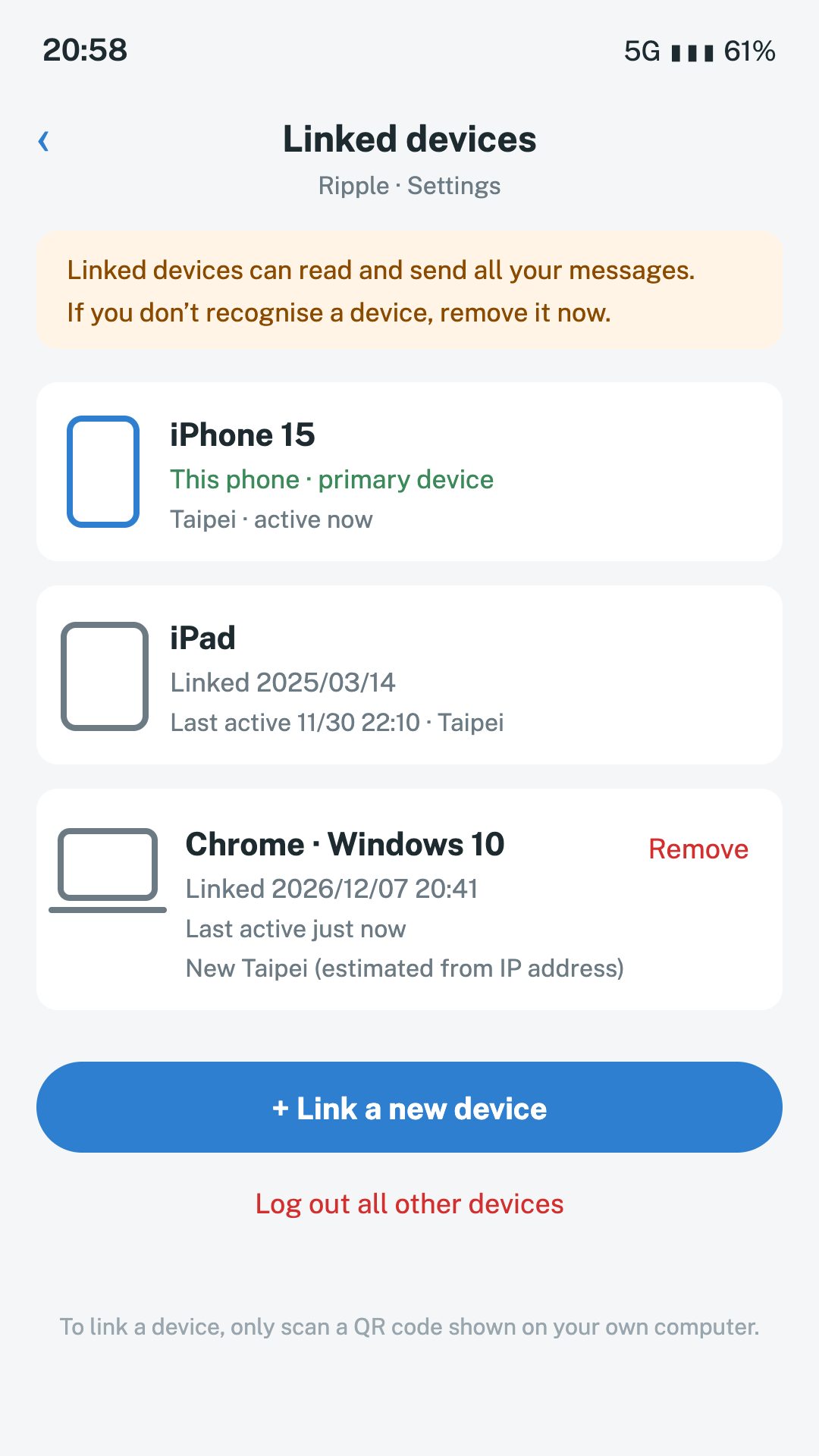
~/from-chih-ning
beatbird_verify.png
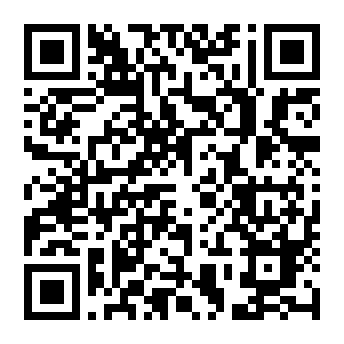
Downloaded from the fake site’s support page. Think before you scan an unknown QR code with your phone; to see what it is, use “QR reader” in Mistport Tools, which decodes it without opening it.